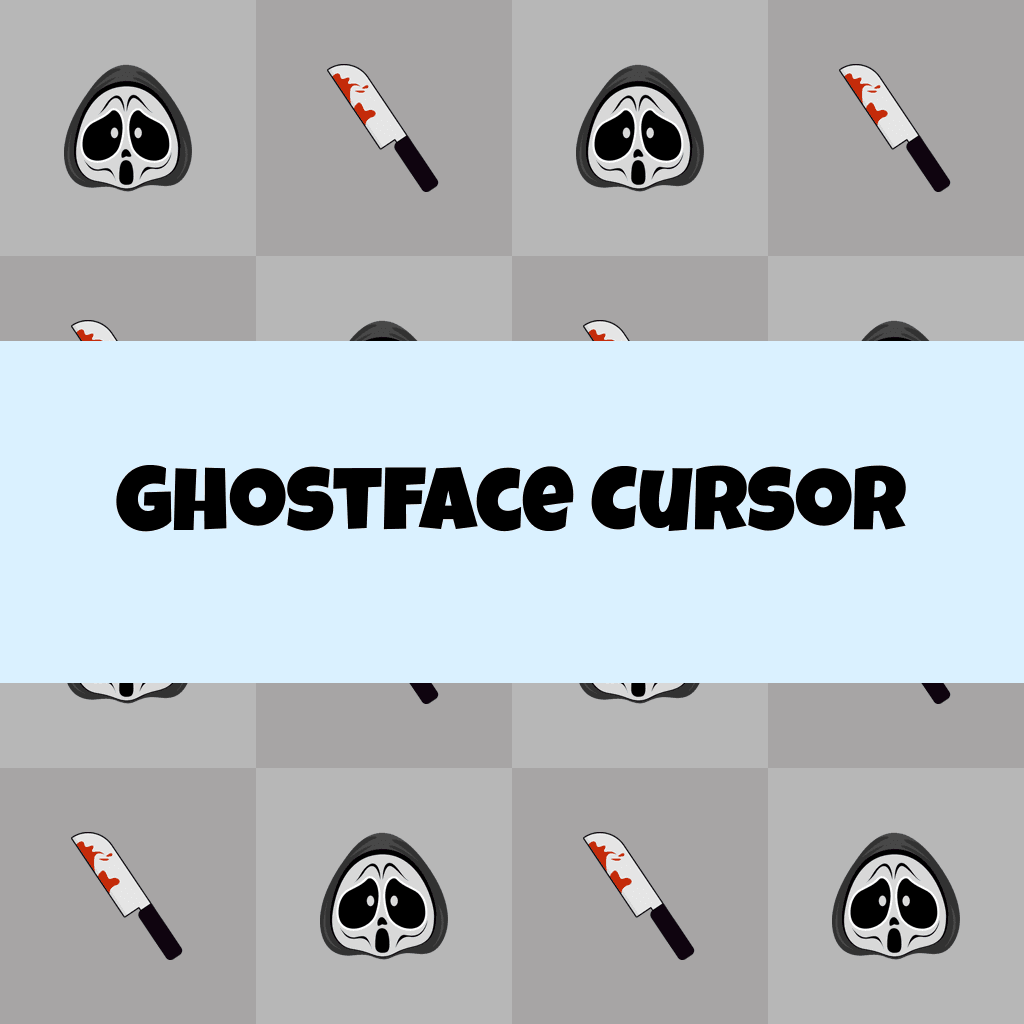
Ghostface Cursor

Ghostface cursor cursor pack
Preview Ghostface cursor custom cursor pack
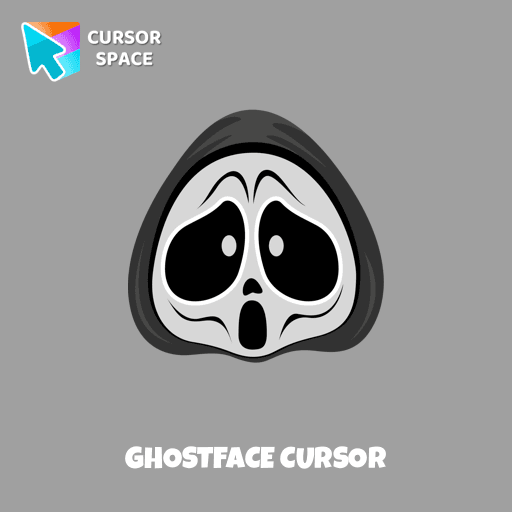
Ghostface cursor arrow cursor
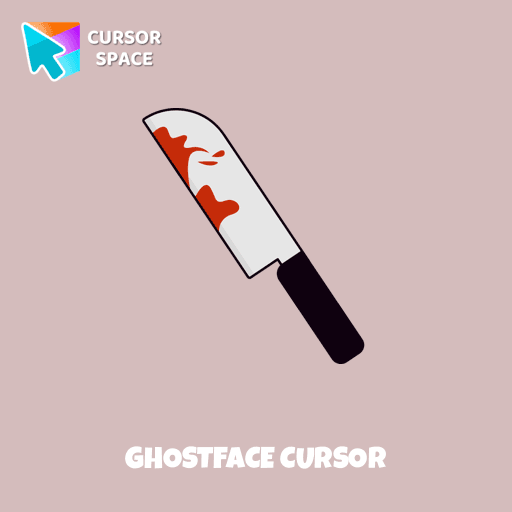
Ghostface cursor pointer cursor

Description

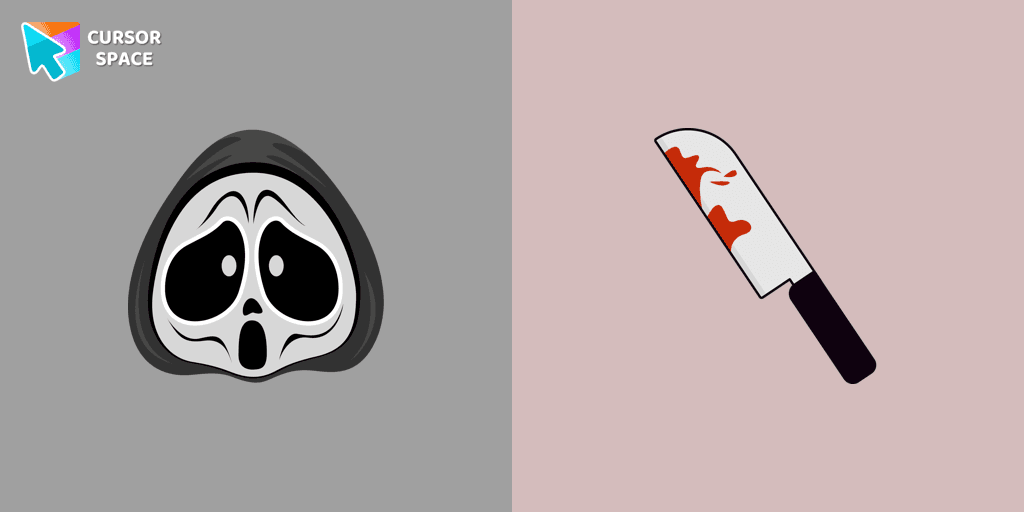
Ghostface is a fictional identity adopted by several characters in the Scream series, known for its iconic mask and mysterious presence. In our Halloween holiday collection of custom cursors, Ghostface is featured as a cursor for the mouse, complete with a custom hover pointer that resembles a knife, adding a spooky touch to your desktop. The Ghostface cursor element is a charming custom mouse and pointer cursor, designed with a stylish pointing hand, perfect for fans of the horror genre.

What's included in the package

  • Default Cursor
  • Pointer (Hand)

How to install a custom cursor pack Ghostface Cursor

  1. Install the Cursor Space extension for Chrome or Cursor Space for Edge in your browser.

  2. On this page, click "Add this cursor pack to the extension".

  3. Open the extension and go to the Packs tab.

  4. Find the custom cursor pack "Ghostface cursor" and click it.

  5. Enjoy!

Ready to install?

Get this cursor pack and thousands of others by installing our extension. It's fast and free!

About this cursor pack

Ghostface Cursor is a themed cursor pack you can add to your browser to personalize your pointer across common cursor states (default and pointer). Use it for everyday browsing, streaming, studying, or gaming-anywhere you want your cursor to match your vibe.

Instant preview

See how the cursors look before installing.

Easy install

Add the pack to the extension in a few clicks.

Works in your browser

Designed for Chrome and Edge via the extension.

FAQ

Quick answers to common questions about cursor packs, collections, and installation.

Do I need an extension?

Yes. To apply cursor packs in Chrome or Edge, install the Cursor Space extension and add this pack to it.

Which browsers are supported?

Cursor packs are designed for Chromium browsers like Chrome and Microsoft Edge.

How do I switch back to the default cursor?

Open the extension, choose another pack or disable the current one to return to your default cursor.

Popular cursors today

Custom cursor and packs - neon, anime, pixel art. Quickly add to Chrome and Microsoft Edge for free

  • TOP 1
    Undertale Sans Pixel cursor

    Undertale Sans Pixel cursor

    (133)
    Free

    Undertale Sans Pixel Cursor from our Cute Pixel custom cursors collection for Chrome was created especially for Halloween.

  • TOP 2
    TopTop cursor

    TopTop cursor

    (17)
    Free

    Enhance your digital experience with the TopTop custom cursor - a vibrant and lively design that adds playful charm and practicality to your desktop!

  • TOP 3
    Green Spades cursor

    Green Spades cursor

    (107)
    Free

    Add a fresh vibe to your screen with the Green Spades custom cursor for Chrome. Make your browsing stylish and unique!

  • Sushi Texture cursor

    Sushi Texture cursor

    (221)
    Free

    Immerse yourself in Japanese culinary art with the Sushi Texture custom cursor for Google Chrome and elevate your browsing experience with style.

  • Water Texture cursor

    Water Texture cursor

    (274)
    Free

    Water is interesting because it can be in different forms. It can be solid like ice, gas like steam, and even turned into a special cursor for your mouse.

  • Spaceship cursor

    Spaceship cursor

    (294)
    Free

    Embark on a cosmic adventure with our custom cursor spaceship design—sleek, stylish, and crafted for an extraordinary browsing experience!

  • The Purple Cursor

    The Purple Cursor

    (112)
    Free

    Enhance your Chrome browsing with Custom Cursor Space, a sleek purple cursor crafted to complement your style and elevate your online experience.

  • Grass cursor

    Grass cursor

    (75)
    Free

    Discover the allure of nature with The Grass cute cursor, a unique addition to The Cursors custom cursors collection.

  • Gingerbread cursor

    Gingerbread cursor

    (19)
    Free

    Improve your browsing experience with The Gingerbread custom cursor. Its charming and delightful design adds warmth and nostalgic appeal to every click.

  • Spiderman cursor

    Spiderman cursor

    (471)
    Free

    Transform your browsing with the Spiderman custom cursor for Google Chrome. Enjoy the thrilling design and web-slinging animations of this iconic superhero.

  • Share Bear cursor

    Share Bear cursor

    (136)
    Free

    Share the Joy with the Share Bear Cursor - Spreading Kindness Online

Collection hits

Installation leaders from "Halloween": free packs, neon/anime/pixel art, quick add to Chrome and Edge.

  • TOP 1
    Angry Skull cursor

    Angry Skull cursor

    (28)
    Free

    Angry Skull cursor for a mouse is a good Halloween art to decorate your browsing.

  • TOP 2
    Burger Skull and Zombie Hand cursor

    Burger Skull and Zombie Hand cursor

    (20)
    Free

    Chilling blood illustrated Burger skull custom cursor and zombie hand hover for the mouse.

  • TOP 3
    Pizza Monster cursor

    Pizza Monster cursor

    (19)
    Free

    Don't forget to decorate your interface with a Pizza Monster custom cursor from our Halloween custom cursors collection.
  • Potion Cauldron and Poison cursor

    Potion Cauldron and Poison cursor

    (16)
    Free

    Our Halloween custom cursors collection for Chrome includes many themed cursors, one of them Potion Cauldron and Poison.
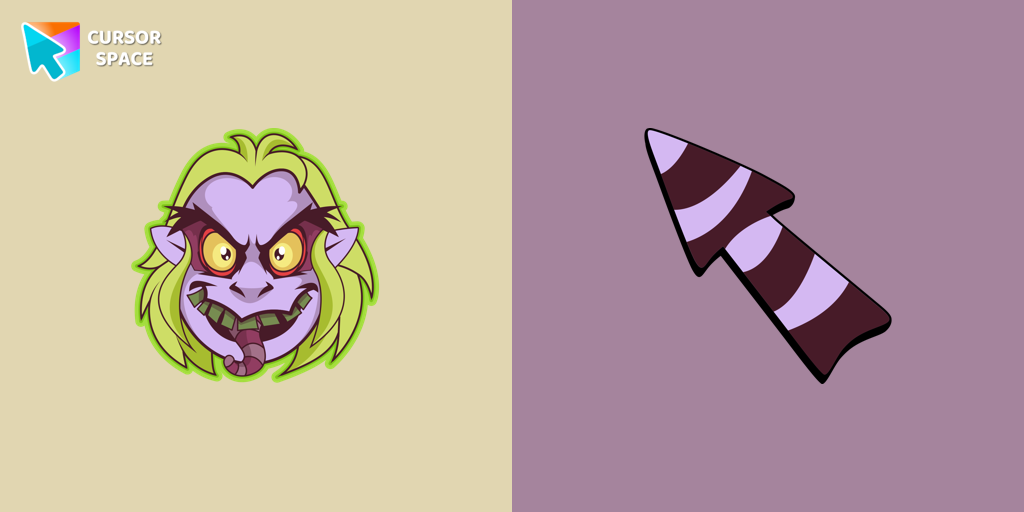
  • Beetlejuice cursor

    Beetlejuice cursor

    (14)
    Free

    Welcome to our Halloween custom cursors collection for Chrome where you will find a custom cursor with Beetlejuice.

Install Cursor Space - A Collection of Custom Cursors for Chrome & Edge

Add packs instantly and unlock access to thousands of cursors: neon, anime, pixel-art, and more. Fast, safe, and free.

  • Free cursor packs
  • HD/HiDPI & animated icons
  • Quick browser installation

Cursor Space is an extension for changing your mouse cursor in Chrome and Edge browsers: themed collections, HiDPI icons, neon, animated, and pixel cursors, with quick installation.

Install Extension

To use packs with one click, you need our free browser extension. Install it and come back!